What Is Adaptation Load? The Hidden Cognitive Cost of Generative UI
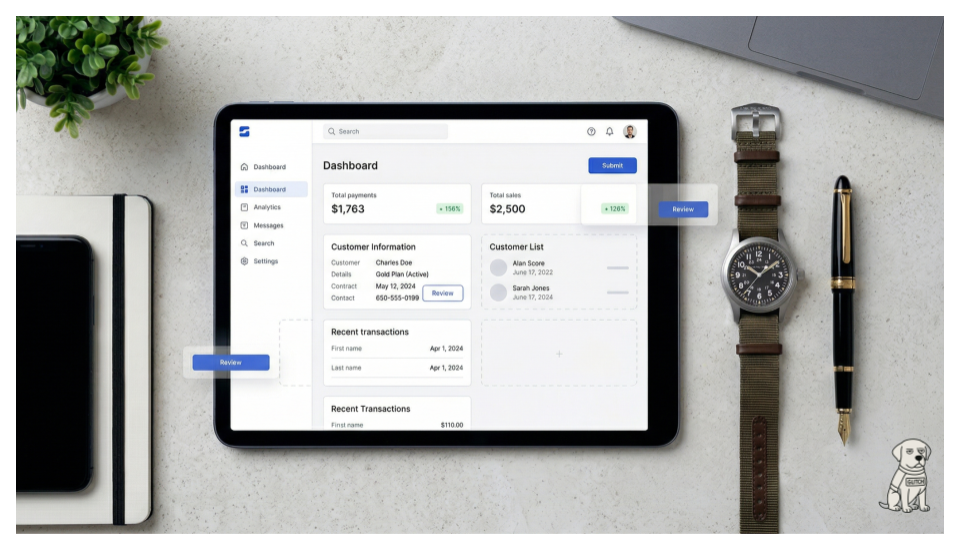
The Hidden Cognitive Cost - Adaptation load is the mental strain required to update an existing, deeply ingrained mental map when a generative UI shifts the interface layout.
If you've used an AI-powered application that reorganizes its interface based on your behavior, you've experienced adaptation load, even if you didn't have a name for it.
Adaptation load is the cognitive effort required to figure out what changed in an interface, why it changed, and whether you can still accomplish your goal with your existing knowledge. It's a concept I’ve encountered through my research with users of AI-assisted tools, and it describes a cost that most generative UI designers are not accounting for.
Where the Concept Comes From
Cognitive load theory, developed by John Sweller in the 1980s, distinguishes between three types of mental effort. Intrinsic load is the inherent complexity of the task itself. Extraneous load is unnecessary complexity introduced by poor design. Germane load is the productive effort of building new understanding.
Good interface design reduces extraneous load. A well-organized dashboard, clear labels, consistent navigation: these all minimize the mental energy users spend figuring out the interface so they can focus on their actual work.
Generative UI, where the interface adapts in real time based on user context, history, or AI predictions, is designed to reduce extraneous load by showing users only what's relevant. In theory, this is sound. In practice, it introduces a new form of extraneous load that traditional frameworks don't capture.
That new form is adaptation load.
How Adaptation Load Works
When you use an application repeatedly, you build a spatial and procedural map of the interface. You know where things are. Your hands and eyes move in rehearsed patterns. Cognitive psychologists call this automaticity, and it's one of the most valuable efficiencies available to experienced users. You don't think about where to click; you just click.
When a generative interface changes the layout based on context, it disrupts this map. Before you can begin your intended task, you have to complete an unintended one: scanning the screen to figure out what moved, assessing whether the new arrangement still supports your workflow, and deciding whether to work with the new layout or search for the original one.
This scanning-and-assessing step is adaptation load. It happens before the user's actual work begins, and it consumes the cognitive resources that automaticity was supposed to free up.
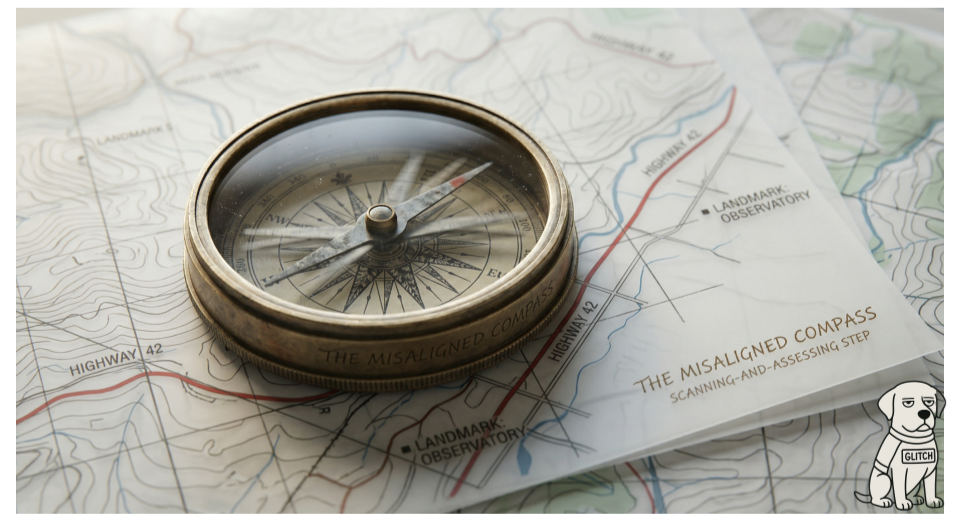
Generative UI can break the user’s mental map of a workflow.
Who It Affects Most
Adaptation load is not distributed evenly across users. This is one of the most counterintuitive aspects of the concept.
For a first-time user with no existing mental model of the interface, adaptation load is negligible. There's nothing to disrupt. The generative layout is simply the layout. The user builds their mental model around whatever the AI presents.
For a power user with deeply encoded patterns, adaptation load can be substantial. Sometimes it exceeds the cognitive savings the adaptation was supposed to provide. The expert who could previously complete a task on autopilot now has to consciously re-navigate the interface every time it changes.
This means generative UI is most helpful for the users who need it least (novices with no established patterns) and most disruptive for the users who need it most (experts whose efficiency depends on stability). That's a design challenge worth taking seriously.
How to Measure It
Adaptation load is not captured by traditional usability metrics like task completion time or error rate. A user might complete a task in the same amount of time with a generative layout, but the internal experience, the cognitive effort of navigating the change, is invisible to the stopwatch.
In my research, I use a combination of approaches. Think-aloud protocols during generative UI sessions reveal the moment of disorientation: users say things like "wait, where did that go?" or "this wasn't here yesterday." Post-session interviews surface the cumulative experience of adaptation load across sessions. And comparative studies, where the same task is performed with and without interface adaptation, can isolate the difference in perceived effort even when task performance looks similar.
Eye-tracking data is also informative. Users experiencing high adaptation load show distinctive scanning patterns: broader initial fixation distributions, longer time-to-first-action, and repeated fixations on elements that have moved. These patterns are measurable and can serve as proxy indicators for adaptation load in quantitative studies.
What to Do About It
The goal is not to eliminate adaptation. Generative UI offers real benefits when implemented thoughtfully. The goal is to reduce the adaptation load that comes with it.
Maintain spatial anchors: keep core navigation elements, primary action buttons, and key indicators in fixed positions across all generated layouts. Let the AI adapt the content within a stable structural frame.
Make changes visible: when the interface adapts, tell the user what changed and why. A brief notification transforms a disorienting experience into a comprehensible one.
Graduate adaptation to familiarity: new users should experience minimal adaptation until they've built a baseline mental model. Increase the degree of adaptation as users gain experience with the system.
And always offer reversibility. A single click that restores the previous layout reduces adaptation load even if the user never uses it, because the knowledge that you can undo the change lowers the stakes of experiencing it.
Adaptation load is a predictable cost of a powerful technology. Naming it is the first step toward designing around it.
Victor Yocco, PhD, is a UX researcher with decades of experience, and the author of Design for the Mind (Manning, 2016) and the forthcoming Designing Agentic AI Experiences (Taylor & Francis, August 2026). victoryocco.com